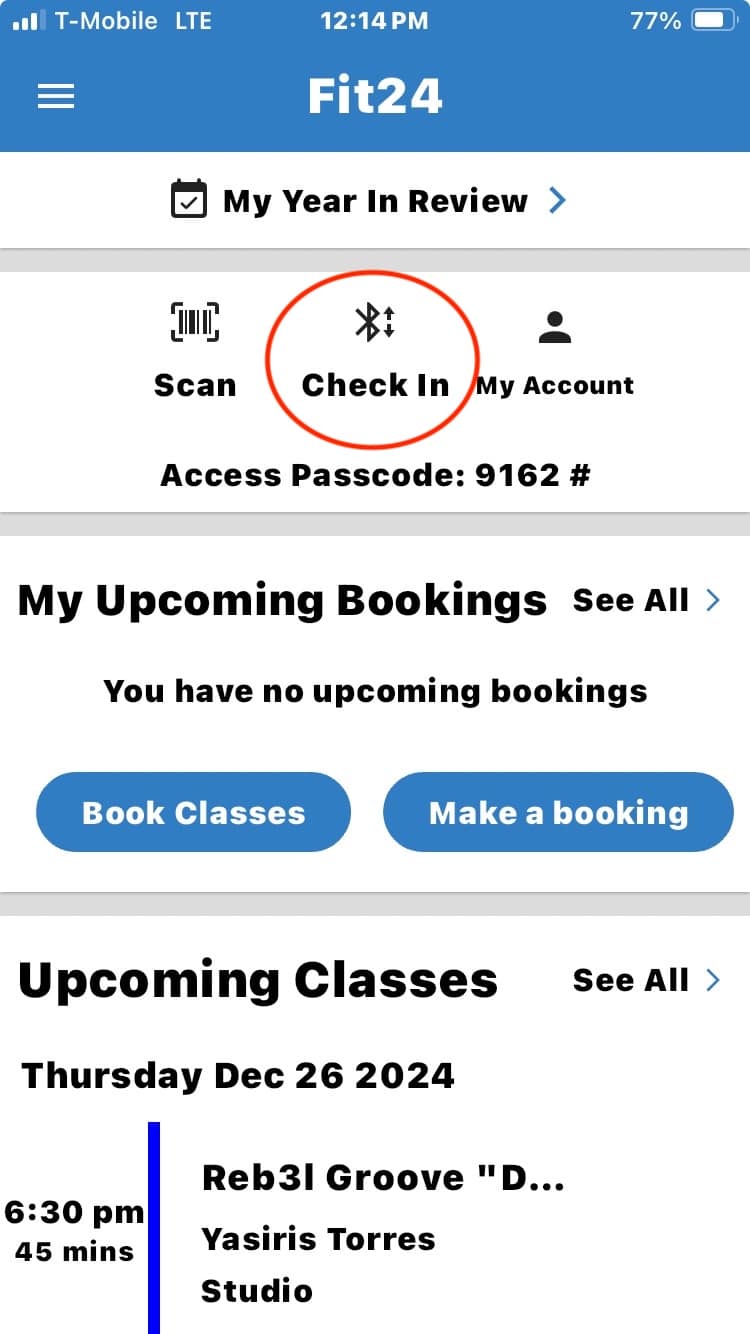
Door Access Instructions
One-Time Setup
STEP 1
- Search for GymMaster on Google Play or the App Store or click the appropriate button below
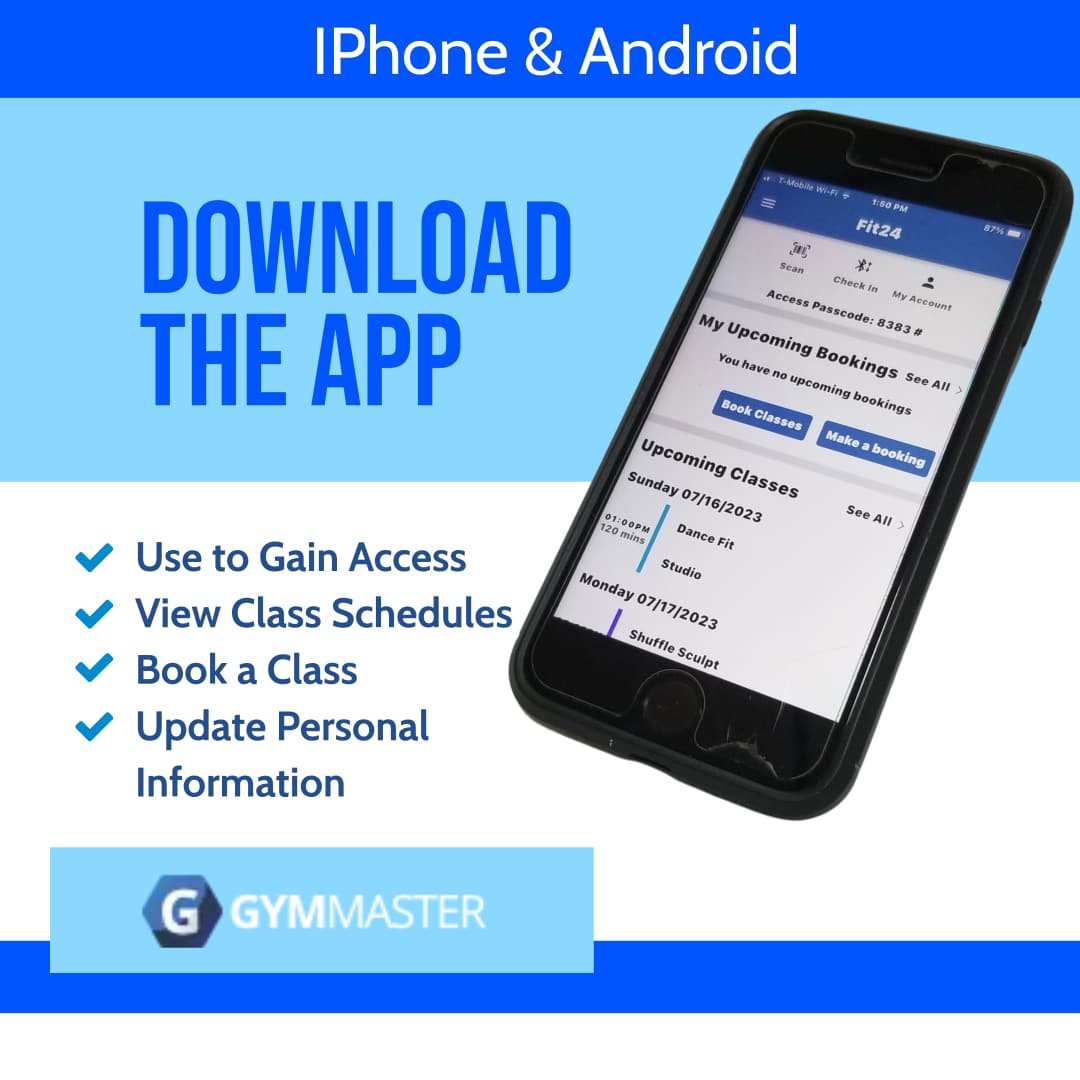

- Download the GymMaster Application
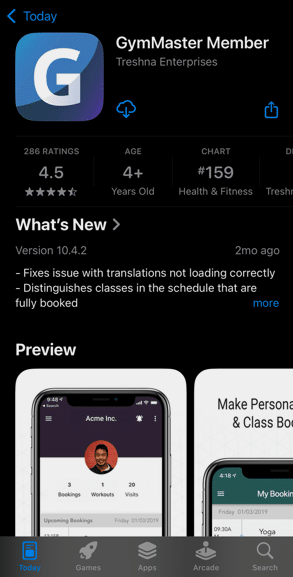
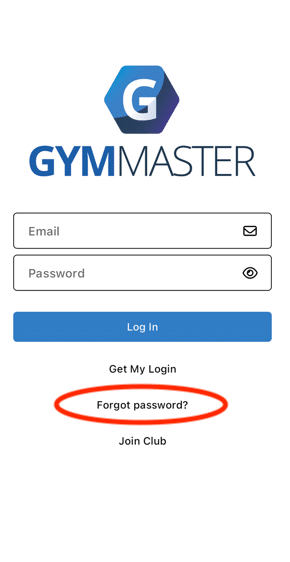
- Open the app and enter the email you have on file with us
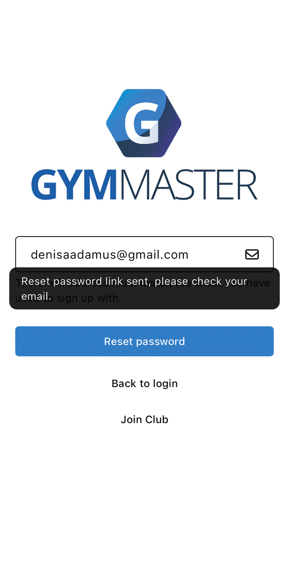
- Click on Forgot Password
STEP 2
Activate The app
- Go to your email
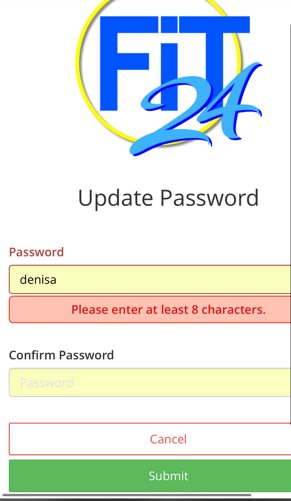
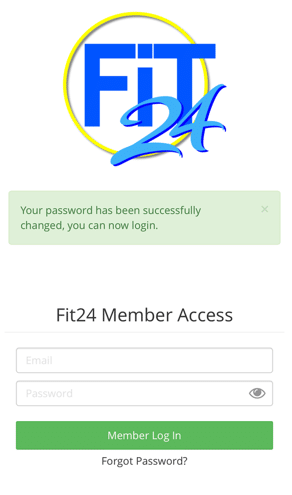
- Choose and Confirm a password
- Log into the GymMaster App
STEP 3
Check In
- Click the Check-In Icon at the top of the screen
- Unlock the door & have a great workout! 🎉